Manage your Team & Permissions
2 min read
Video Tutorial
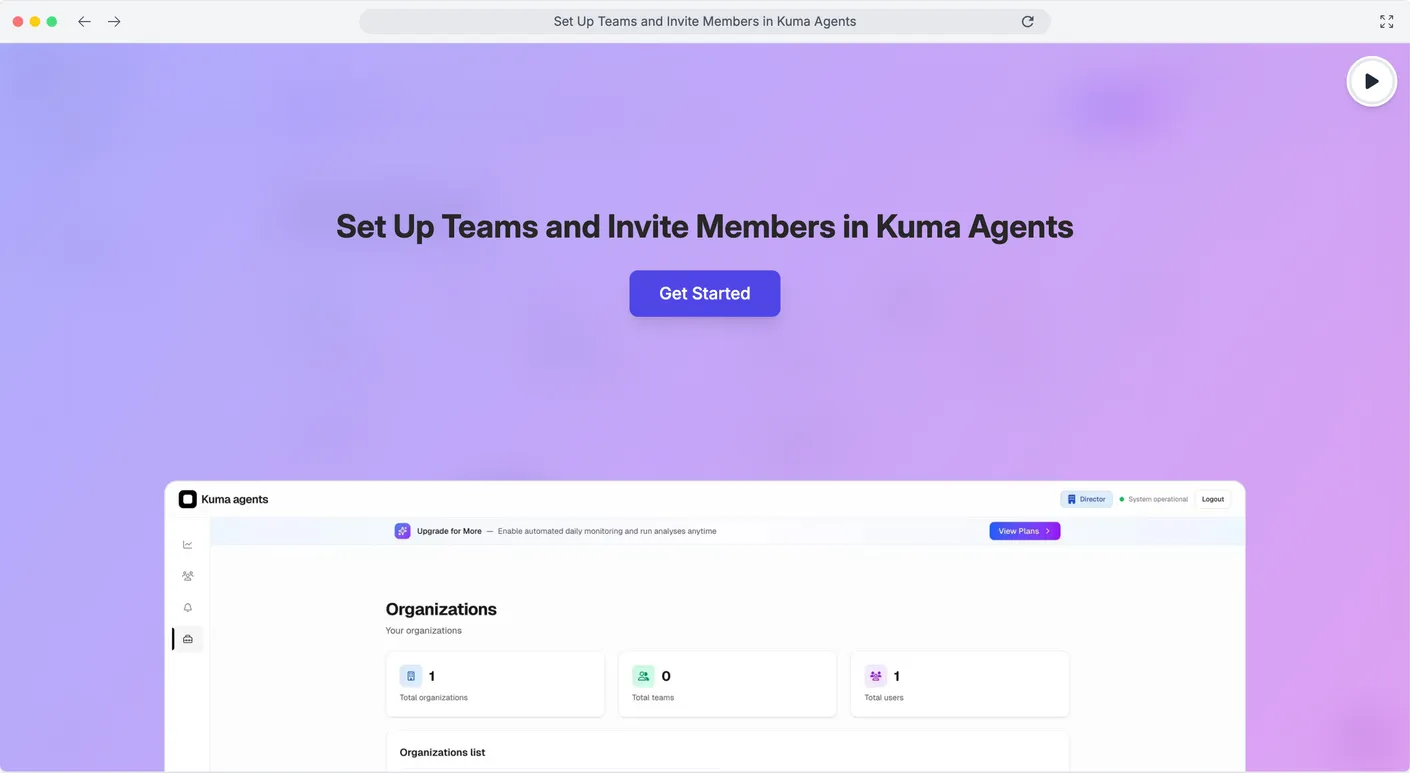
Click to load interactive demo
Scale your ad operations by bringing your team to Kuma Agents. Assign specific roles to ensure the right people have access to the right accounts.
1
Navigate to User Management
On the left sidebar, locate the Management section. Click on Users to view your current team roster and pending invitations.
2
Invite & Assign Roles
Click 'Invite New User' and enter their email. Select the appropriate role: • Member: Can create and manage Clients. • Team Manager: Can invite other members and manage their team. • Director: Full control over the Organization.
Pro Tip: Audit Trails matter!
Invite each team member individually. This allows specific account portfolios to be assigned to each person and ensures better coordination in handling alerts.
The Result?
Your team member will receive an email invitation to join your Organization instantly.