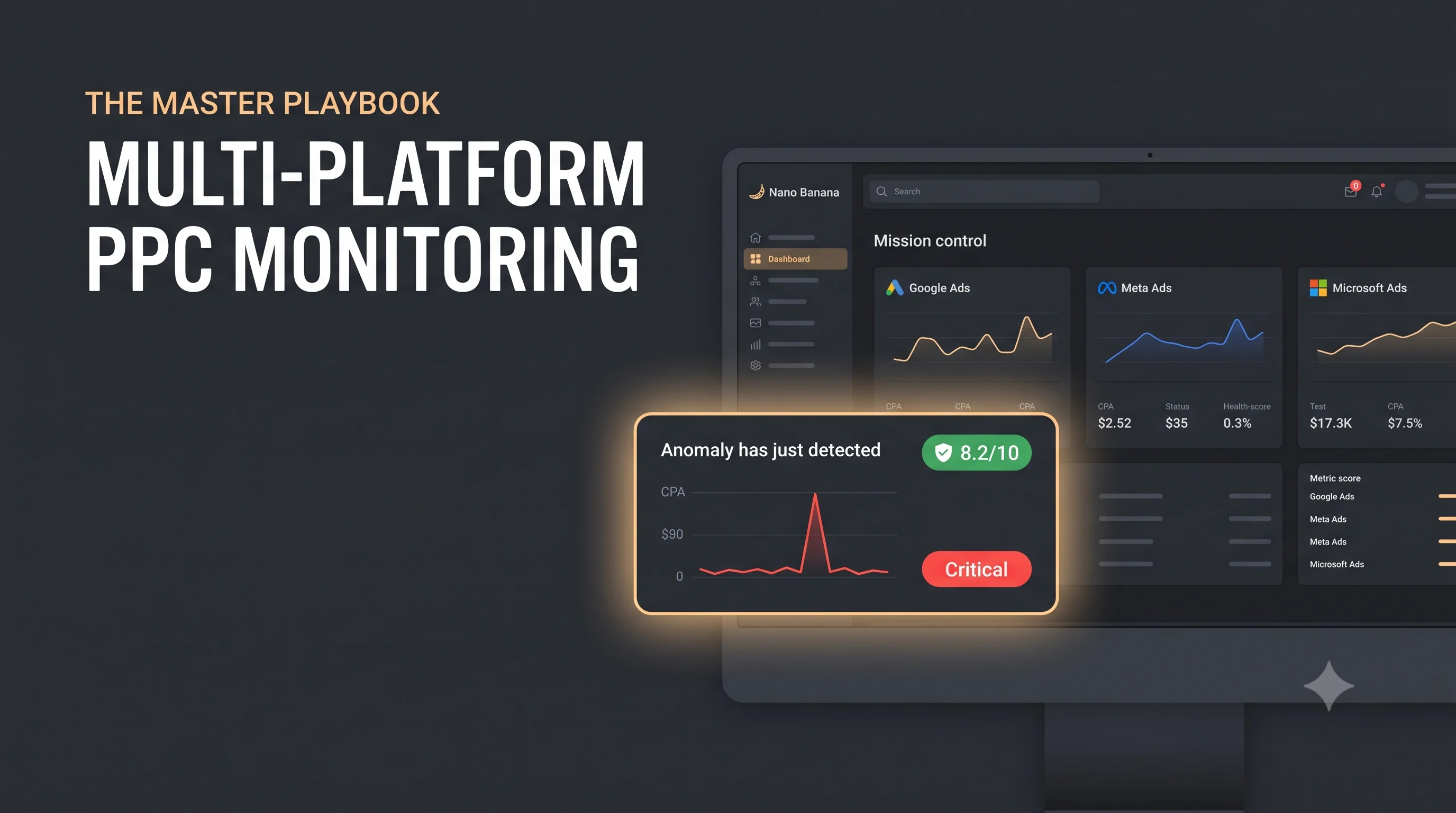
Managing a single advertising account can be a handful, even for experienced digital marketers. But when you are juggling Google Ads, Meta Ads, and Microsoft Advertising across dozens of clients, things can get chaotic incredibly fast. Without a centralized, systematic strategy for ppc monitoring, you are not just risking wasted ad spend, you are risking client trust, agency reputation, and bottom-line growth.
To scale your agency or brand effectively, you cannot rely on manual checks and guesswork. You need a rigorous approach to track performance, catch anomalies, and optimize budgets in real time. This master playbook breaks down exactly how to monitor ppc campaigns like a professional across multiple platforms, ensure maximum efficiency, and transition from reactive firefighting to proactive growth.
Why Centralized PPC Monitoring is Your Secret Weapon
Every advertising platform is built with a bias: they want you to spend more money. More importantly, none of these platforms talk to one another. Google will not warn you if your Meta CPA (Cost Per Acquisition) spikes, and Microsoft will not notify you if your Google Quality Score drops.
When you manage campaigns in silos, you miss the bigger picture. Effective ppc monitoring is not just about looking at individual dashboards at the end of the month; it is about building an early-warning system that protects your ad spend across the entire marketing funnel. By centralizing your monitoring workflow, you gain three major advantages:
- Speed to Action: You detect bleeding budgets and broken tracking codes within hours, not days.
- Holistic Efficiency: You see how platforms interact, for instance, how a surge in Meta top-of-funnel traffic influences Google brand search volume.
- Client Retention: Clients stay with agencies that catch mistakes before they impact business revenue.
Setting Up Critical Alerts Across Meta, Google, and Microsoft
The first pillar of a robust monitoring strategy is automation. You should never have to manually log into 30 different accounts at 8:00 AM just to make sure nothing broke overnight. You need to leverage platform native capabilities and third-party tools to set up critical alerts.
Google Ads Alerts
Google Ads provides a powerful automated rules engine, but many advertisers underutilize it. For proper ppc monitoring, establish the following rules:
- Budget Spikes: Set an automated rule to alert you via email if daily spend exceeds your average daily budget by more than 20%. While Google's system can spend up to double your daily budget on high-traffic days, a sustained spike could indicate a setting error or a sudden change in search volume.
- Disapproved Ads: Track policy violations daily. High-performing creatives can be flagged suddenly due to algorithm updates. An alert ensures your best assets are never paused for long.
- Significant CPA Deviations: If your Cost Per Acquisition increases by 30% over a 3-day rolling period compared to the previous week, you need an immediate notification to investigate search term reports or landing page issues.
Meta Ads Alerts
Meta's auction environment is notoriously volatile. Uncontrolled ad fatigue or budget liquidity issues can destroy your margins overnight.
- Cost Per Result Increase: Create an automated rule within Meta Ads Manager that pauses an ad set or sends an urgent email if the cost per result jumps 35% above your last 7-day average, provided the ad set has generated a minimum number of conversions.
- Ad Fatigue & Frequency Monitoring: Monitor frequency metrics closely. If the frequency passes a specific threshold (e.g., 4 or 5 for warm retargeting audiences, or 2 for cold audiences), set an alert to refresh creatives. High frequency leads directly to lower CTRs and higher CPMs.
- Audience Overlap: If you run multiple campaigns targeting similar demographics, set up alerts to track auction overlap. High overlap forces your own ad sets to compete against each other, driving up costs.
Microsoft Advertising Alerts
Often overlooked, Microsoft Advertising requires dedicated attention as its auction dynamics differ from Google.
- Impression Share Drop: Set up notifications for when your Search Impression Share drops due to budget or quality rank. This ensures you are not losing ground to competitors on high-value B2B queries.
- Cost Per Acquisition Increase: Set up an alert for when your Microsoft Ads cost per acquisition spikes, keeping you on track across both Google Ads and Bing Ads simultaneously. With this data at your fingertips, making cross-platform adjustments becomes seamless whenever necessary.
- Sync Anomalies: If you import campaigns directly from Google Ads to Microsoft Advertising, set up monitoring rules to check that budgets, tracking templates, and targeting parameters imported correctly without breaking.
Tracking Quality Score to Protect Your Margins
If you want to monitor ppc effectively, you cannot ignore relevance metrics. In search-based ecosystems like Google Ads and Microsoft Advertising, your Quality Score directly impacts how much you pay for every single click.
The Quality Score Formula: Quality Score is a diagnostic tool graded on a scale from 1 to 10. Think of it as a discount code. A high score (8-10) lowers your Cost Per Click (CPC) and improves ad rank, while a low score (1-4) acts as a penalty tax, forcing you to pay significantly more for the same ad placement.
When executing your weekly ppc monitoring routine, you must analyze the three core components of Quality Score:
Expected Click-Through Rate (CTR)
This measures how likely someone is to click your ad when it is shown. If your expected CTR is "Below Average," your ad copy is likely uninspiring or misaligned with the user's search query. Regular monitoring allows you to continuously A/B test headlines and descriptions to improve this baseline.
Ad Relevance
Does your ad copy directly address the intent behind the keyword? If you are bidding on a specific product keyword but your ad group uses generic brand copy, your relevance score will suffer. Segmenting large ad groups into smaller, tightly-themed ad groups (or Single Keyword Ad Groups where appropriate) is key to protecting this metric.
Landing Page Experience
Is your website fast, mobile-responsive, clear, and easy to navigate? More importantly, does it deliver on the exact promise made in the ad copy? A sudden drop in landing page experience metrics during your weekly review is usually a red flag that a developer changed a URL, broke a form, or that site speed has degraded.
Include Quality Score tracking in your standard operating procedures. Monitoring trends in these scores helps you identify macro-level issues (like ad fatigue or broken tracking) before they manifest as dropped conversion rates.
Designing High-Performance Dashboards for Real-Time Analysis
Data is only valuable if it can be understood quickly. If your team spends hours pulling data into CSV files to see how campaigns are performing, you are losing valuable optimization time. You need to transition to automated, high-performance dashboards.
The Role of a Unified Dashboard
A unified dashboard pulls data from Google, Meta, and Microsoft via APIs into a single interface. This eliminates platform-hopping and allows your media buyers to view the performance of the entire business ecosystem at a glance. Tools like Looker Studio, AgencyAnalytics, or PowerBI serve as the foundation for this visualization layer.
Key Metrics to Highlight
Your monitoring dashboards should separate client-facing reports from internal operational dashboards. For internal ppc monitoring, your dashboard must highlight:
- Blended CPA & ROAS: The combined performance of all paid channels to understand true business impact.
- Conversion Rate Trends: A multi-channel view of conversion rates to spot site-wide technical issues instantly. A sudden drop here is often not a market shift but a measurement failure, so when the numbers look off, start by diagnosing broken conversion tracking before you touch a single bid.
- Click-Through Rate (CTR) Deviations: Visual graphs showing sudden drops in creative performance across platforms.
- Impression Share Losses: Easy-to-read charts showing whether you are losing visibility due to budget constraints or poor ad rank.
Design Principles for PPC Dashboards
To make your dashboards truly functional, follow the "3-Second Rule": a media buyer should be able to look at a dashboard and know within three seconds whether an account is healthy, stable, or in critical danger. Use conditional formatting (green, yellow, red indicators) to draw immediate attention to accounts experiencing unusual performance shifts.
Master Cross-Channel Budget Allocations and Pacing
One of the greatest challenges in managing multi-platform campaigns is budget management. Clients provide a total monthly budget, and it is your job to ensure you do not under-spend (missing growth targets) or over-spend (eating into your agency's margins to pay the client back).
The Danger of Channel Silos
If you look at budgets on a channel-by-channel basis, you run the risk of capping your highest-performing campaigns. For example, if Google Ads is generating a 5x ROAS while Meta is delivering a 2x ROAS, a rigid channel budget prevents you from moving capital to where it performs best.
Implementing a Cross-Channel Budget Framework
To monitor ppc budgets successfully at scale, you must implement a dynamic cross-channel framework:
- Fluid Budget Pools: Instead of assigning $5,000 strictly to Google and $5,000 to Meta, present the client with a $10,000 "Paid Media Pool." Allocate budget dynamically based on 7-day rolling performance.
- Pacing Formulas: Your internal tracking sheets must use automated pacing formulas. Calculate your Run Rate daily. Compare this projection against the target budget to see if you are on track to over-spend or under-spend.
- Seasonality Adjustments: Ensure your budget monitoring accounts for weekend vs. weekday trends. Many B2B accounts experience lower spend on weekends, which can skew pacing projections if not smoothed out over a 7-day moving average.
How to Monitor 30+ Client Accounts Simultaneously
Scaling an agency to manage 30, 50, or over 100 client accounts is the ultimate test of operational efficiency. If your team tries to monitor ppc campaigns by manually inspecting every account line by line each day, they will quickly suffer from burnout, and critical mistakes will slip through the cracks.
To handle large-scale portfolios without sacrificing quality, implement this step-by-step operational workflow:
Step 1: Establish Master Pacing Trackers
Create a centralized master spreadsheet or automated dashboard that aggregates budget pacing across all 30+ clients. This script-driven document should automatically calculate and display:
- Total spend vs. total target budget per client.
- Projected end-of-month spend based on real-time run rates.
- Alert flags for any account pacing more than 5% ahead or behind schedule.
Step 2: Implement Tiered Management & Routines
Not all accounts require the same amount of manual attention every day. Divide your portfolio into clear structural tiers based on spend volume, contract value, or campaign complexity:
- Tier A (High Spend / Enterprise): monitor daily, every 24 hours, with a weekly comprehensive audit.
- Tier B (Mid-Market / Moderate Spend): monitor three times a week, with a bi-weekly optimization pass.
- Tier C (Small Business / Low Spend): monitor weekly, with a monthly review and adjustment.
By structuring your week around these tiers, your team knows exactly where to direct their analytical energy rather than treating every account with equal urgency.
Step 3: Standardization of Standard Operating Procedures (SOPs)
Build strict monitoring checklists. When a team member checks an account, they should follow a repeatable path: check conversion tracking status, review search term reports for negative keyword additions, analyze creative frequency, and verify budget pacing. Standardization eliminates human error and ensures consistency across your entire client roster.
The Automated Future of PPC Monitoring
Mastering multi-platform advertising at scale does not mean working 80 hours a week or drowning in an endless sea of open browser tabs. The future of scaling your business and protecting your client campaigns lies in intelligent automation that bridges the gap between raw data and actionable strategy.
This is exactly where Kuma Agents transforms your entire operational workflow. Instead of forcing your team to piece together fragmented data across disconnected networks, Kuma Agents unifies your entire ecosystem into a single, high-performance platform built for advanced, modern ppc monitoring.
The platform goes far beyond triggering generic notifications or basic spend alerts. Kuma Agents delivers hyper-relevant, timely alerts designed specifically to maintain the absolute structural health of your campaigns. More importantly, it provides deeply personalized, context-aware recommendations tailored to the unique business goals, competitive landscape, and nuances of each specific client you manage.
By combining cross-channel visibility and AI-driven contextual insights, Kuma Agents allows you to shift your focus from manual, stressful firefighting to high-level strategic growth. Embrace the future of automation, protect your client budgets, and scale your operations effortlessly.