The account that spends less gets watched less
Microsoft Ads is rarely anyone's biggest line item. It is often launched from a Google Ads import, left to run, and reviewed when the monthly numbers look strange. The logic feels sound: smaller spend, smaller risk, smaller priority.
The logic breaks on two points. First, cheaper clicks do not mean cheaper mistakes. A broken conversion goal wastes 100 percent of the budget regardless of CPC. Second, an imported account inherits structure without inheriting its setup. Conversion tracking, audience lists and bid strategies need to be rebuilt on the Microsoft side, which means the account can look complete and healthy while quietly running on nothing.
What makes this worth automating is not that the work is difficult. It is that the work is invisible when everything is fine, which is most weeks, right up until it is not.
What Microsoft's own AI already decides for you
Before deciding what to hand to an agent, it helps to know what the platform is already deciding without you. Microsoft runs two distinct AI products plus an automation layer, and each one moves the account in its own way.
Microsoft draws the product line clearly. Performance Max is a campaign type that optimizes across Microsoft Advertising inventory from a single campaign. AI Max is different: an opt-in set of AI features for Search campaigns, covering expanded query matching, asset personalization and URL routing.
On top of that, auto-apply recommendations let Microsoft apply certain optimizations to your campaigns without asking.
Microsoft AI optimizes well, inside its own view of the world. That view stops at the edge of the ad account. It does not know your margin on the product, whether the warehouse is empty, or what your other channels are doing this week. It will keep optimizing toward the goal you set, long after the goal stopped being the right one.
Five jobs AI agents can take over on a Microsoft Ads account
An AI agent is not a faster script. It sits above the platform, reads the account in context, and reports in plain language. Five jobs in Microsoft Ads management map onto that almost perfectly. Each one below comes with the guardrail that keeps you in control.
Continuous settings and health monitoring
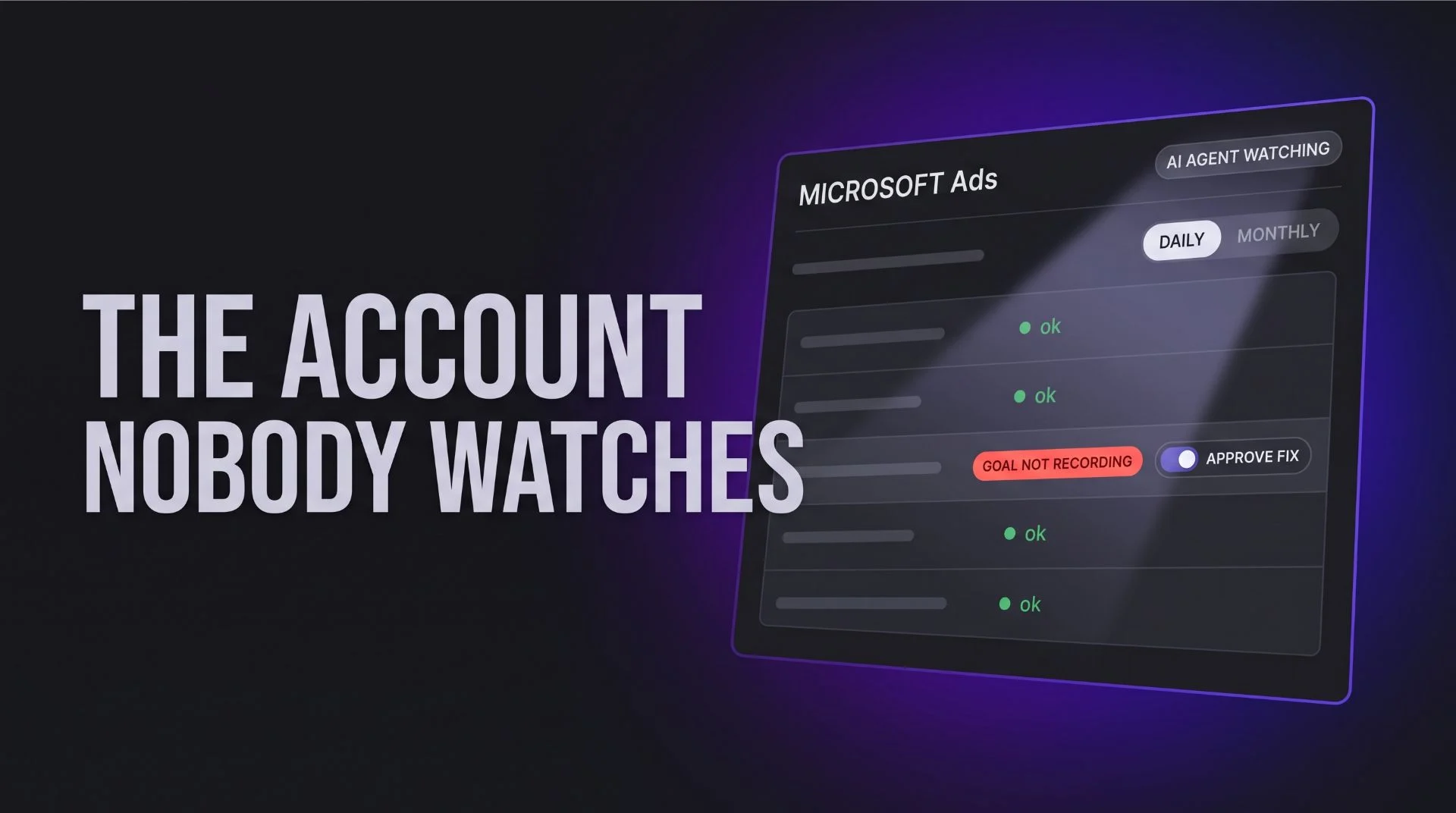
The agentic workflow: the agent checks the Microsoft Ads account state every day rather than every month. Which AI features are on, whether conversion goals are still recording, whether anything was changed by auto-apply, whether a scheduled import pushed something over.
Anomaly detection against your thresholds, not generic alerts
The agentic workflow: instead of alerting on every fluctuation, the agent measures movement against the thresholds you set for that specific account and its own history. A 20 percent CPA jump on a stable lead gen account matters. The same jump on a low-volume campaign in January usually does not.
The steering wheel: the thresholds are yours. They encode the business logic, and they should come from your margins and your targets.
Search term review at AI Max scale
The agentic workflow: expanded matching means queries arrive that no one on your team chose. Reading that report by hand is the first task dropped when the week gets busy. An agent can review it continuously, cluster the queries by intent, and surface the ones worth excluding along with the exact negative to add.
Budget pacing, including across channels
The agentic workflow: the agent tracks pace against the month rather than against yesterday, and can see Microsoft alongside Google and Meta. When one auction gets expensive, cheaper capacity on another platform becomes a visible option rather than a hunch.
Writing the fix, not just the alert
The agentic workflow: the hard part of most recommendations is not spotting the issue, it is turning it into the exact change. Which campaign, which setting, which value, and why. An agent can prepare that change and attach its reasoning in a sentence a client would understand.
The steering wheel: the change lands when a human clicks. The work disappears. The decision does not.
None of these five are specific to Microsoft. They are the same division of labour that applies to every platform, which we cover in more depth in our guide to AI for PPC marketing: automate without losing the wheel. Microsoft is simply where the gap between what should be checked and what actually gets checked is widest.
Where AI agents earn the most: connecting Microsoft Ads to the rest of the business
Monitoring settings is the obvious win. The bigger one is context. An agent can read signals the ad platform has no access to, then act on them inside Microsoft Ads.
| Business signal | Agent action on Microsoft Ads | Outcome |
|---|---|---|
| Inventory system shows a product out of stock | Pause the ad groups and shopping products tied to it | No spend on clicks that cannot convert |
| CRM shows leads from one campaign never close | Flag it for budget reduction, optimize toward closed deals | Spend follows pipeline value, not raw leads |
| Margin sheet shows a product cost increase | Recommend lower bids or a tighter target on that cluster | Profitability protected before the month ends |
This is the real difference between an agent and an automated rule. A rule fires on a condition inside the account. An agent weighs a condition outside the account against what the account is doing, which is the only way automation ever reflects actual business health.
Accounts that get watched are the accounts that get better
Don't wait until the end of the month to catch something that could have been fixed on day one.
Agents solve capacity. Kuma Agents runs continuous audits on Microsoft, Google and Meta Ads accounts, flags what moved against your own thresholds, and prepares the fix so you only approve it. Start with a free Microsoft Ads audit on the account you have looked at the least this quarter, and see what three months of nobody watching actually produced.
Frequently asked questions about Microsoft Ads management
Frequently Asked Questions
Is Microsoft Ads management really different from Google Ads management?
The core discipline is identical: structure, match types, negatives, conversion tracking, bid strategies. The differences sit in the plumbing. Microsoft runs its own AI layer with its own defaults, distributes across Bing, Yahoo and a different partner network, and often inherits settings from a scheduled Google import. Treating the account as a copy of Google is the most common and most expensive mistake.
Can an AI agent manage a Microsoft Ads account on its own?
It can run the monitoring on its own. It should not run the strategy. An agent is reliable at checking the same forty things every day without getting bored and explaining in plain language what changed. It has no visibility into margins, inventory, seasonality in your business, or what you promised a client last week, unless you connect those systems to it. Keep the approval step and the agent becomes useful rather than risky.
What is the difference between AI agents and the AI already inside Microsoft Ads?
Position. Microsoft AI works inside the account and optimizes toward the goal you configured there, with no view of anything else. An agent works above the account. It can compare Microsoft against your other channels, read business systems, and question whether the configured goal still makes sense. Platform AI answers how to hit the target. An agent can tell you the target is wrong.
How does Kuma Agents compare to Optmyzr or Opteo for Microsoft Ads management?
Optmyzr and Opteo are established tools with deep rule libraries and strong reporting, and both are rules-first by design: a condition fires, an alert appears. Kuma Agents runs an LLM layer on top of custom business rules, so a recommendation arrives with its reasoning in plain language and a prepared fix rather than only a trigger.